Render a model
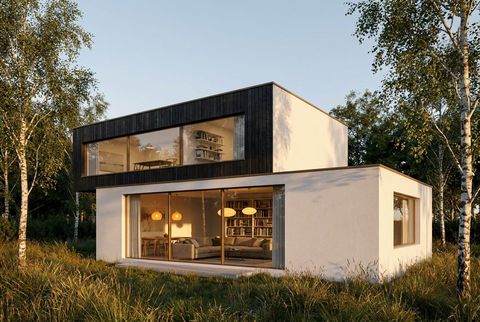
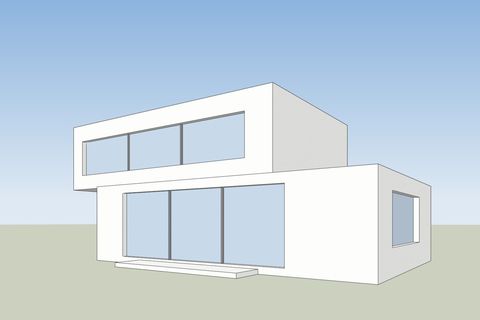
Turn a 3D screenshot into a finished render.
Open
Each one shows a real result. Pick one and start from your own picture.
Turn a 3D screenshot into a finished render.
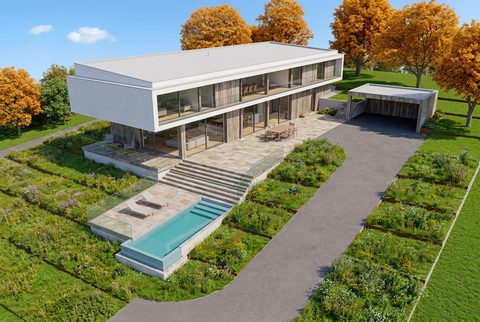
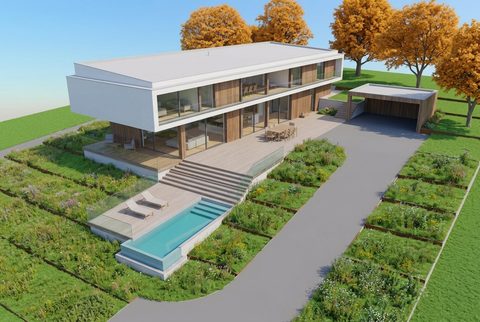
Make a finished render sharper and more realistic.
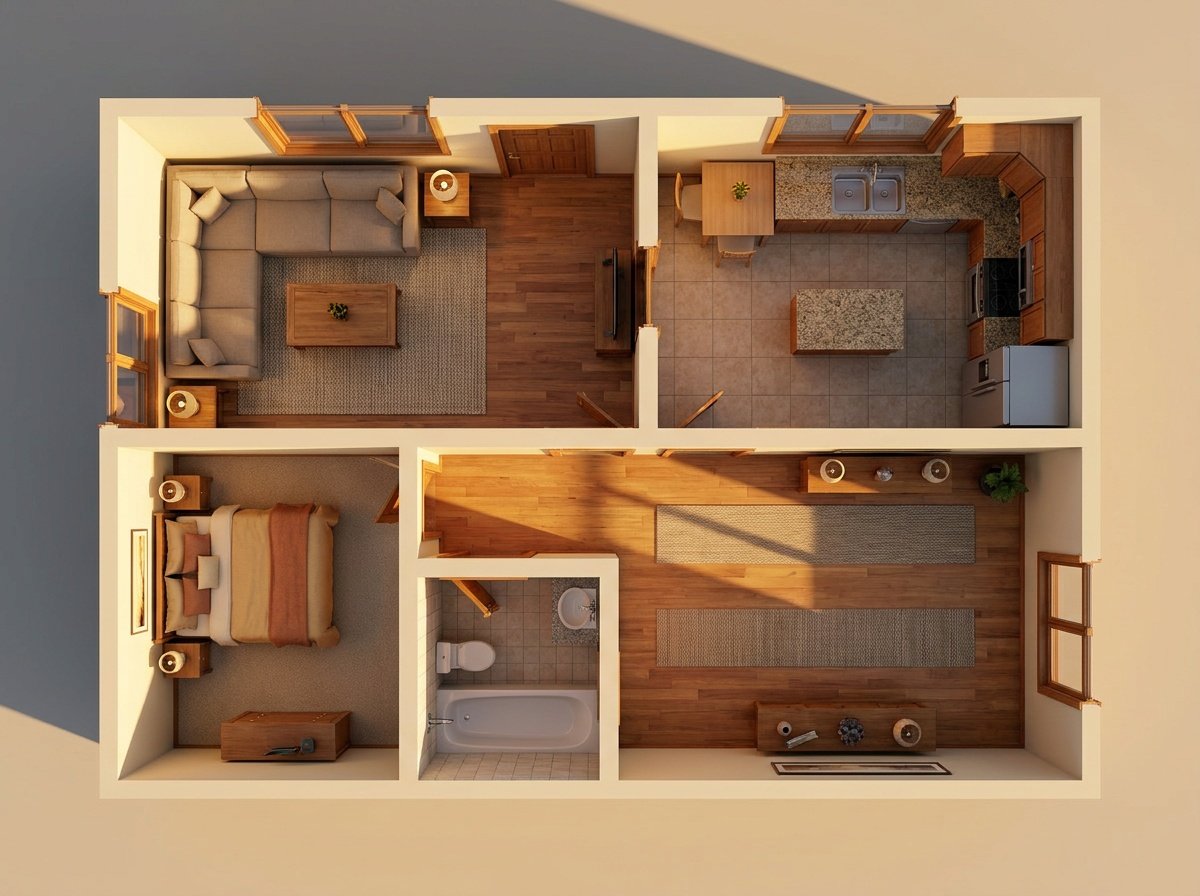
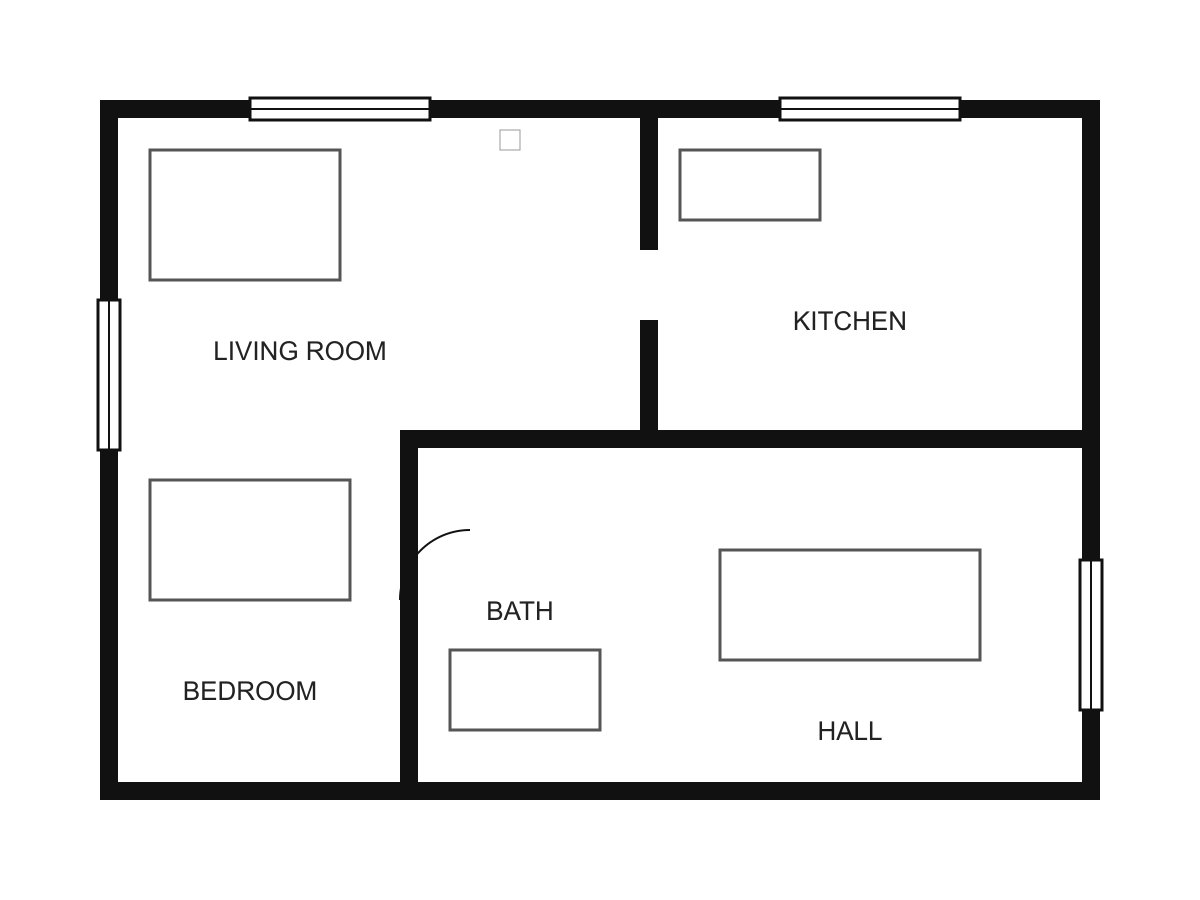
Upload a floor plan. Get a 3D plan or a view of a room.
 New
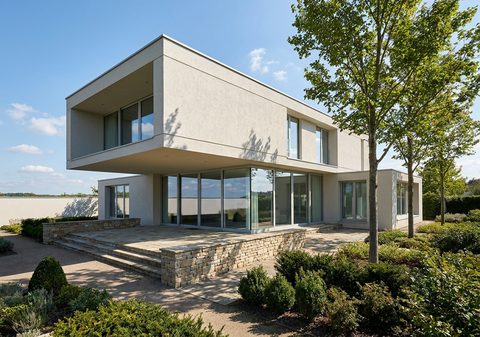
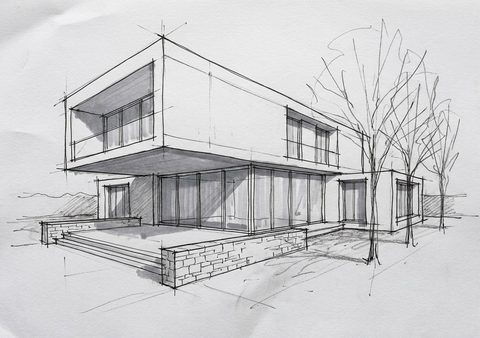
Turn a hand drawing into a render.
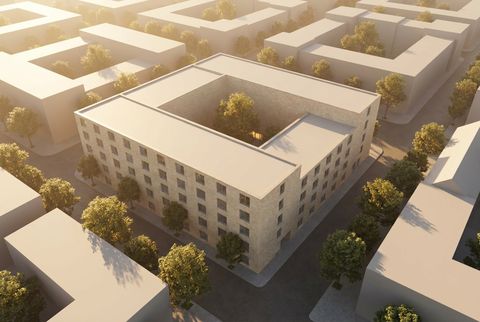
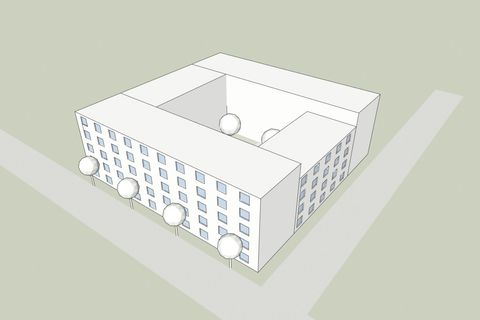 New
Place a design in a photo of the site.
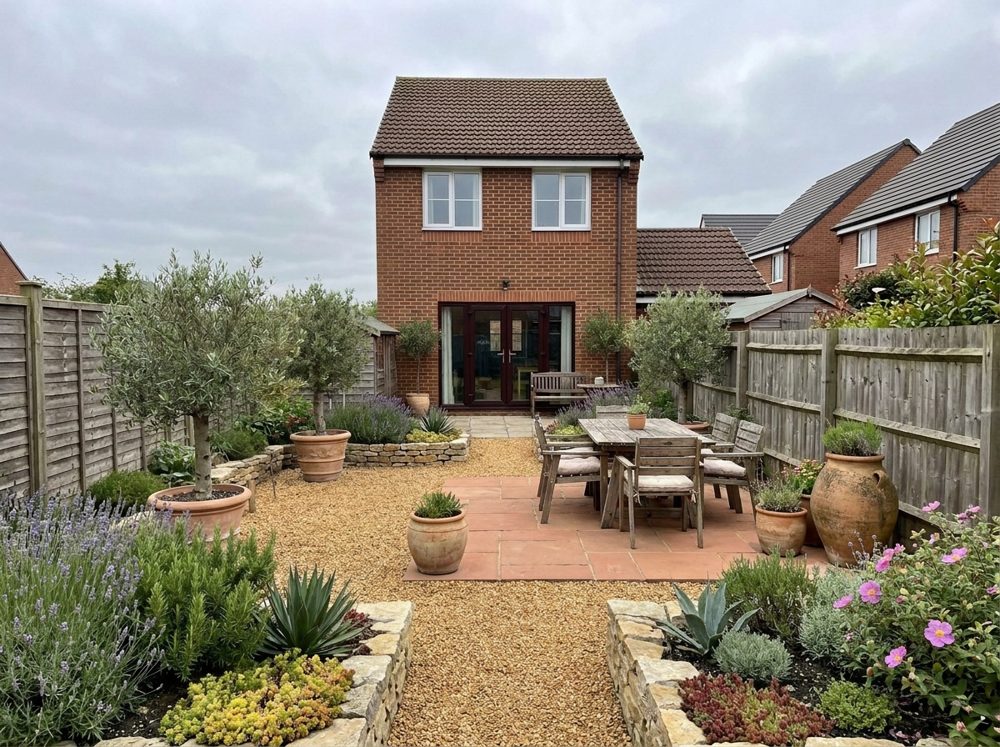
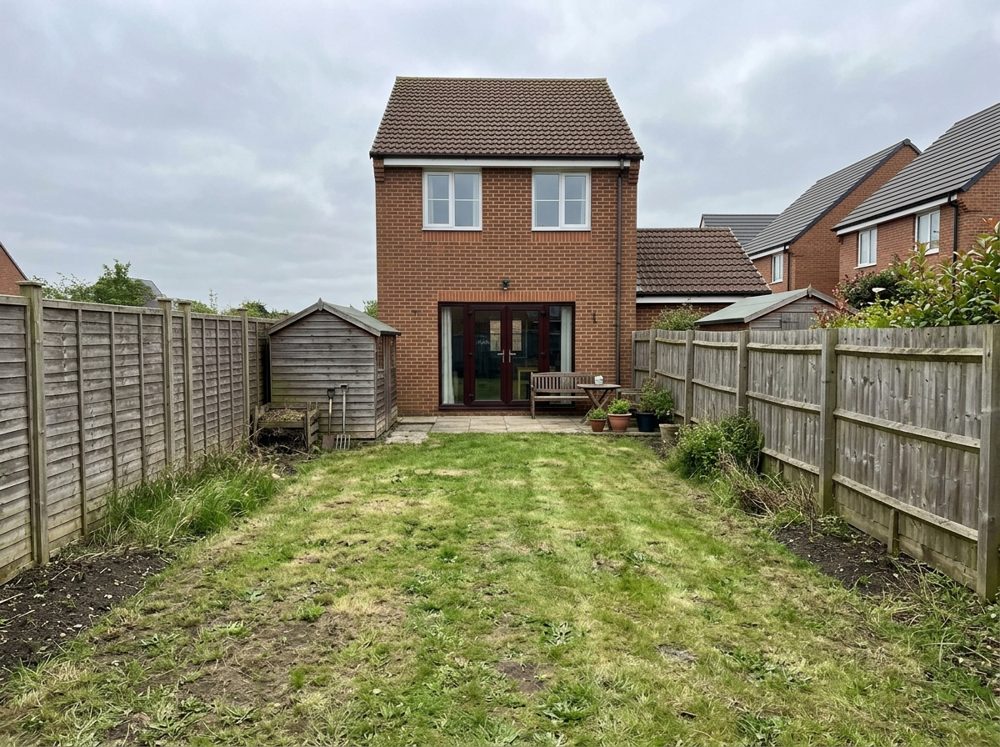 New
Upload a photo of a garden. Get it back with a new design.
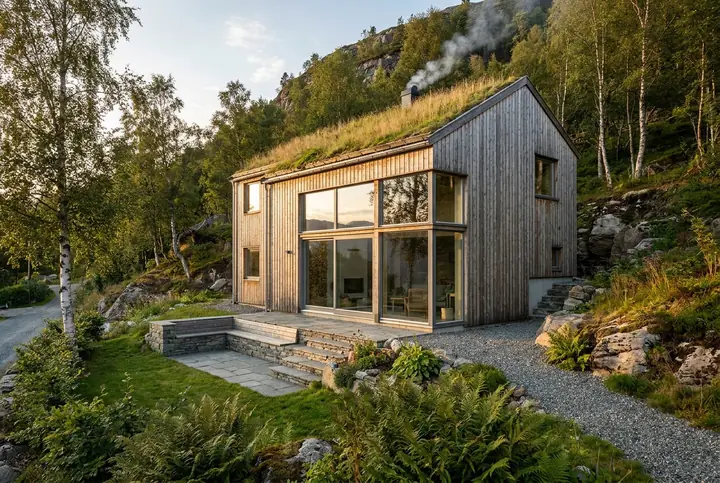 New
Describe a building in words. Get a first picture.
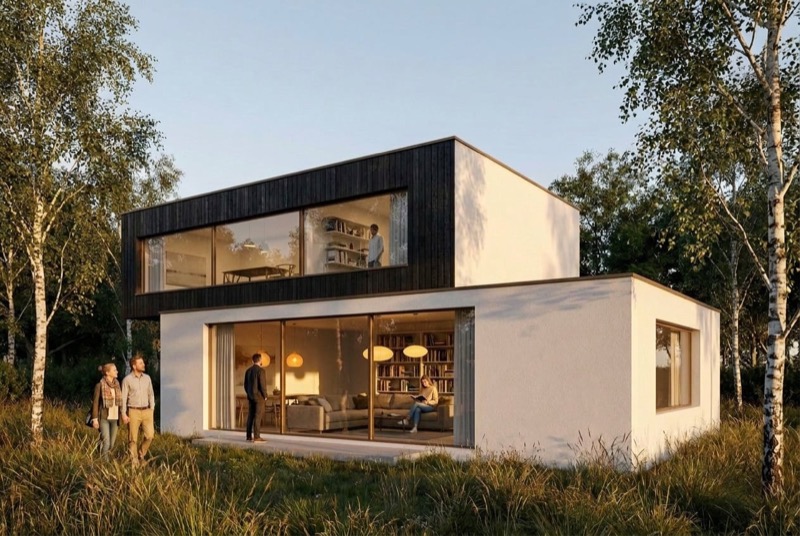
Change one area of a render. The rest stays.
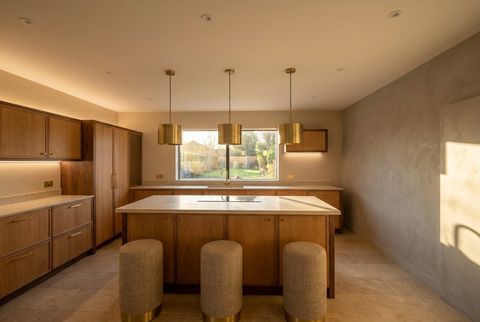
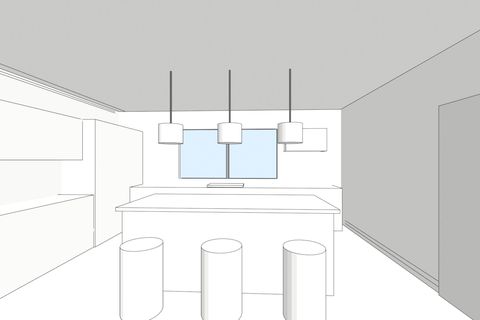 New
Swap one material, such as a floor or a facade.
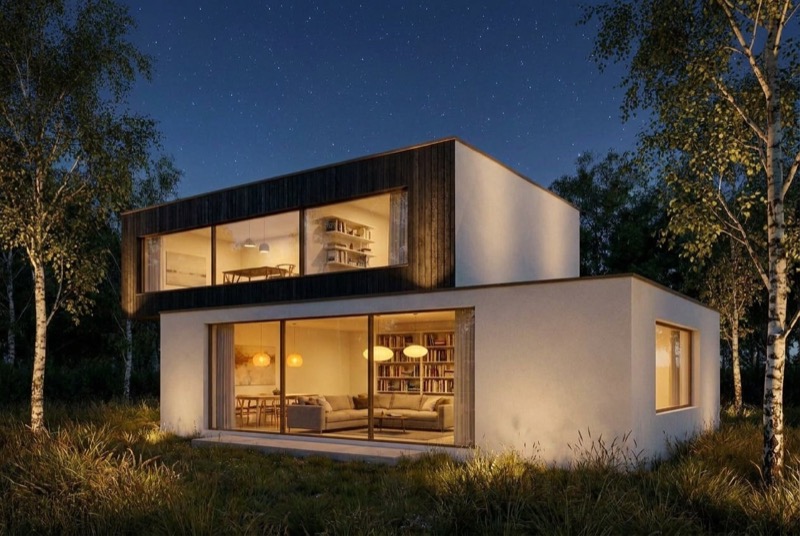
Show the same render at another time of day.
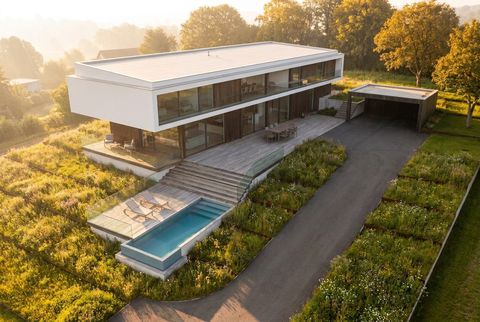
See the same building from a new angle.
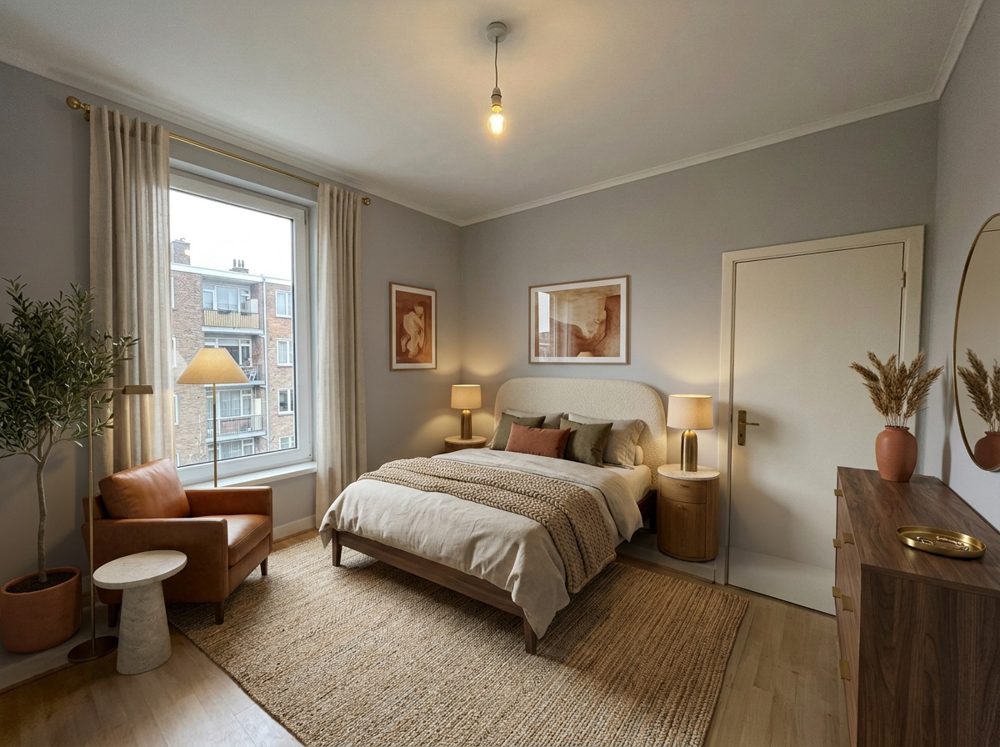
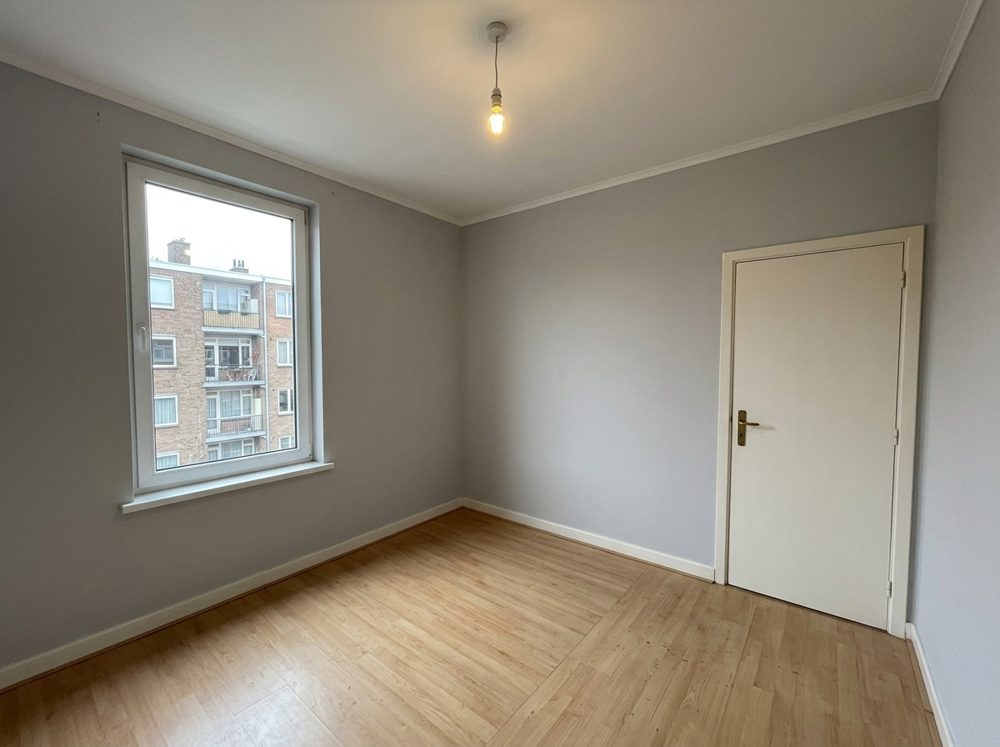 New
Upload a photo of a room. Get it back in a new style.
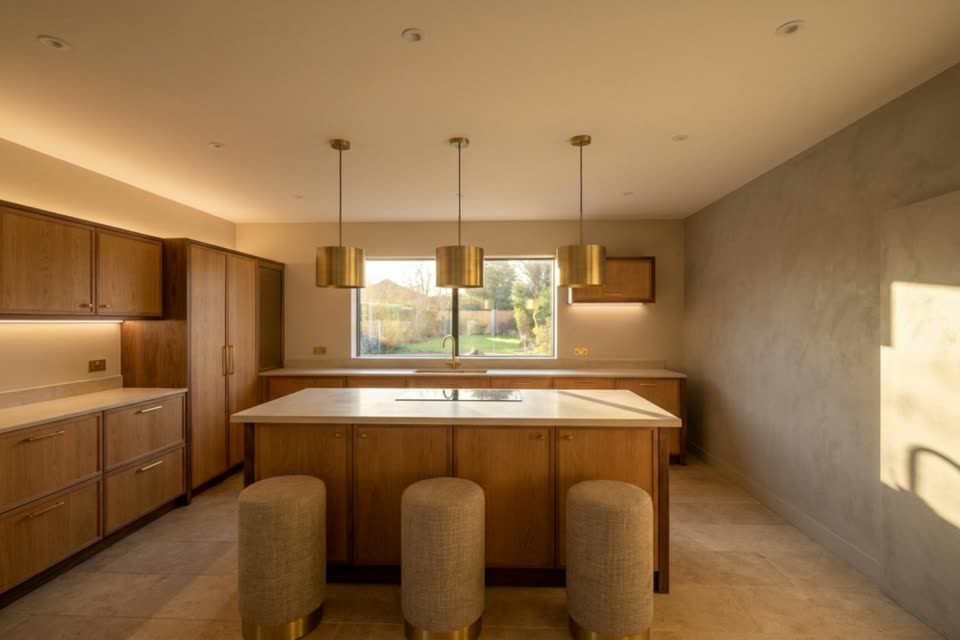
Turn a render into a short camera move.
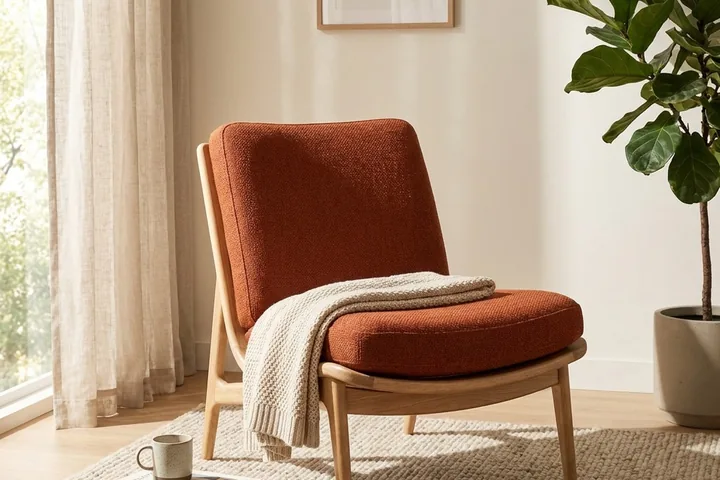 Beta
One photo of a chair, a lamp or any product becomes a set of styled shots: studio, lifestyle room, detail and more.
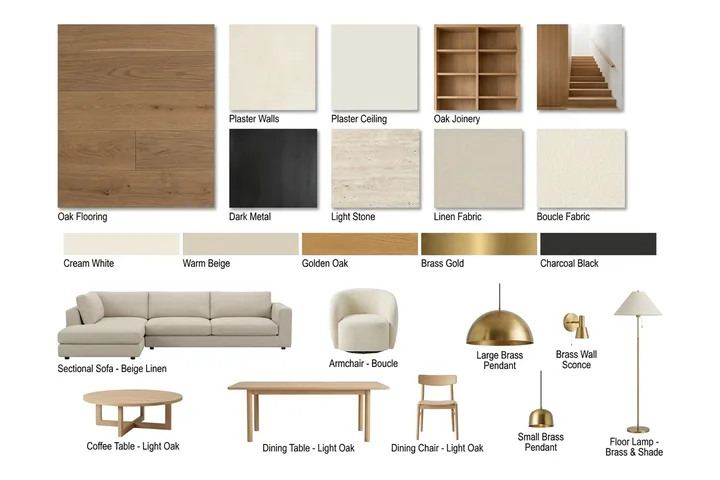 Beta
A labelled board of the materials and furniture in your render, in the background, font and language you choose.
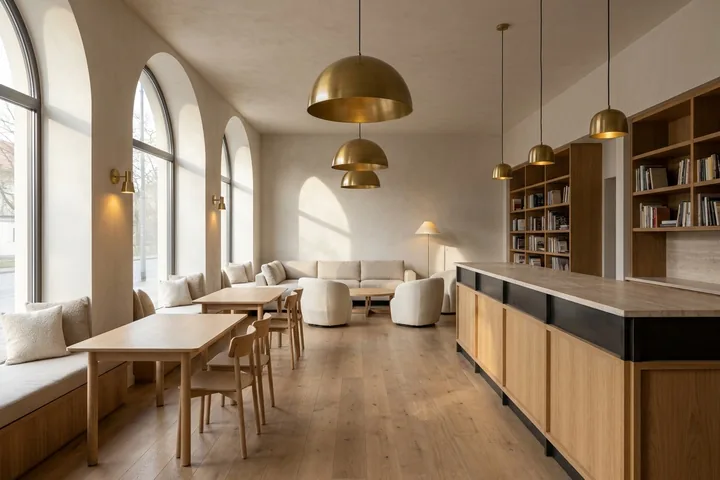 Beta
Upload a board of materials, describe the scene, and get a concept picture built from them.
 Beta
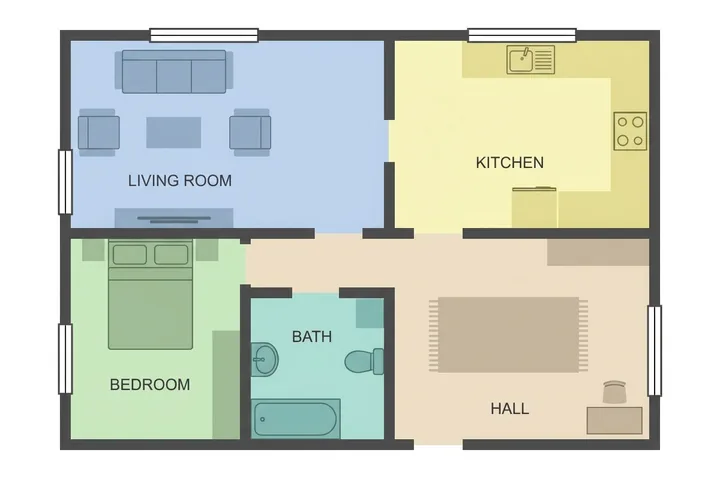
Redraw a plan as an illustration, a marker or pen sketch, a blueprint or a colour-coded plan, with its labels.
Say what is missing. The ideas with the most votes come first.
Open the ideas boardEach picture costs 10 credits. If it fails, your credits come back.