Plugins
One button in your 3D program sends the current view to the studio.
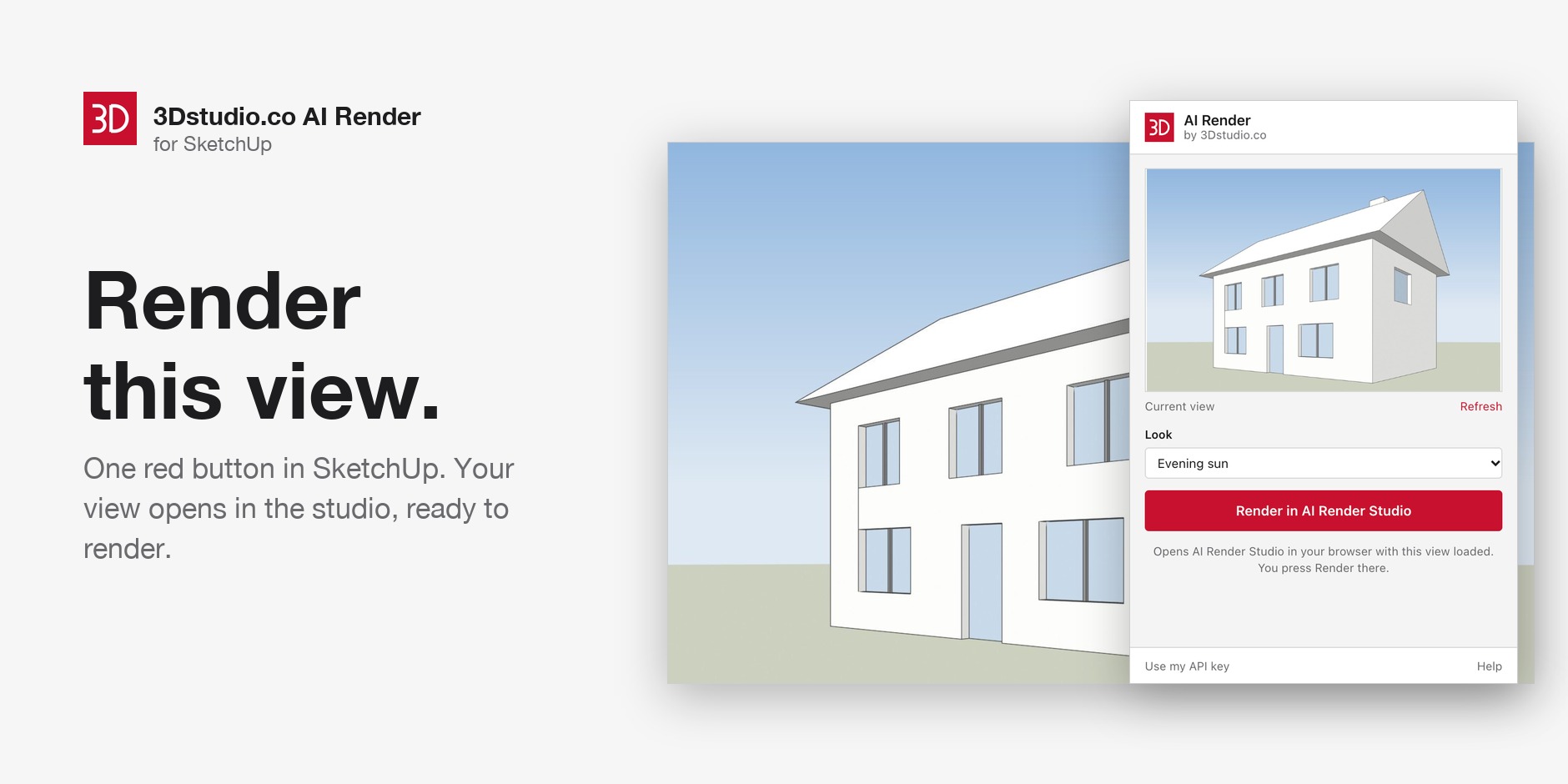
SketchUpBeta
Without a key the view opens in the studio. With a key the render runs inside SketchUp.
Stuck on the install? The guide has the steps in order.
- Example render
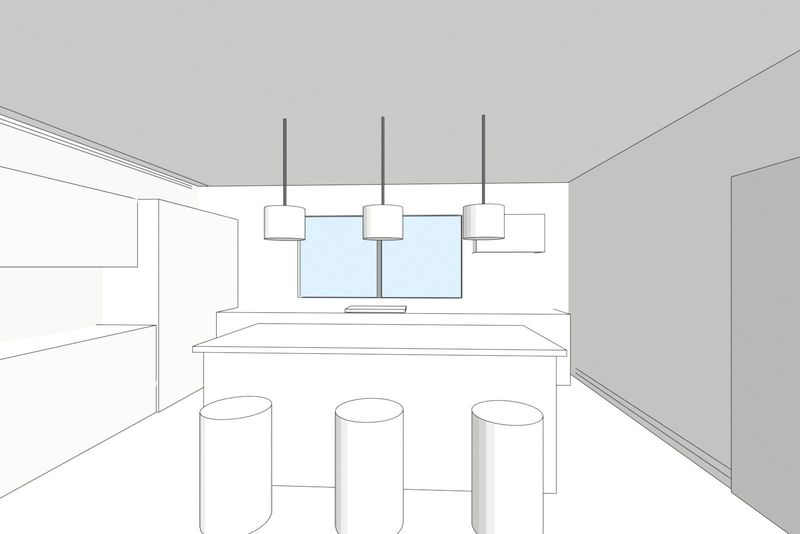
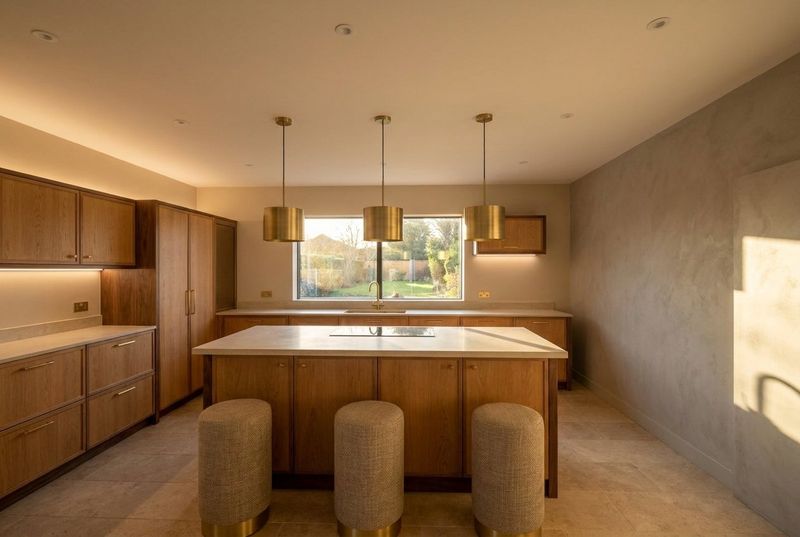 Your modelRender
3ds MaxNot yet run in 3ds Max
Run the file once.
Stuck on the install? The guide has the steps in order.
- Example render
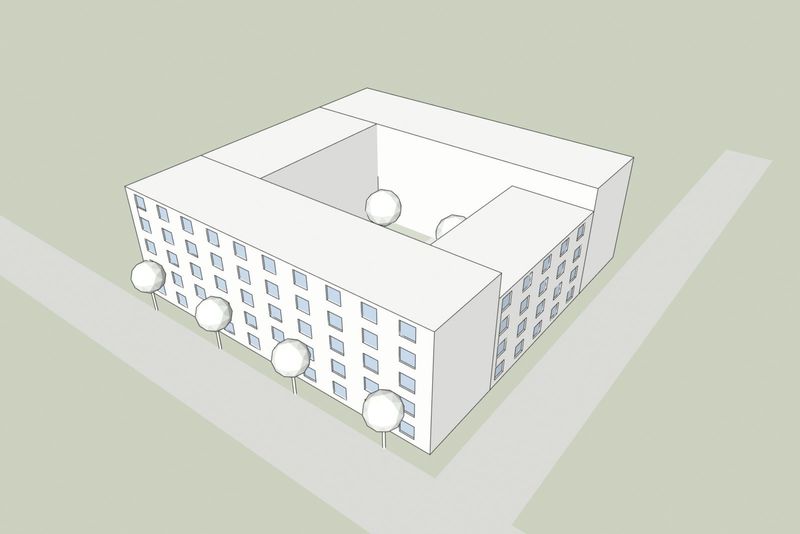
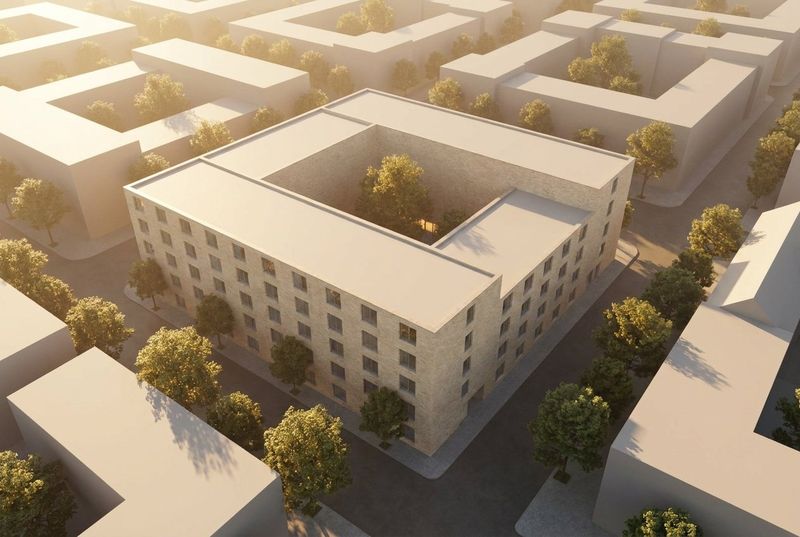 Your modelRender
RevitNot yet run in Revit
Needs pyRevit first.
Stuck on the install? The guide has the steps in order.
- Example render
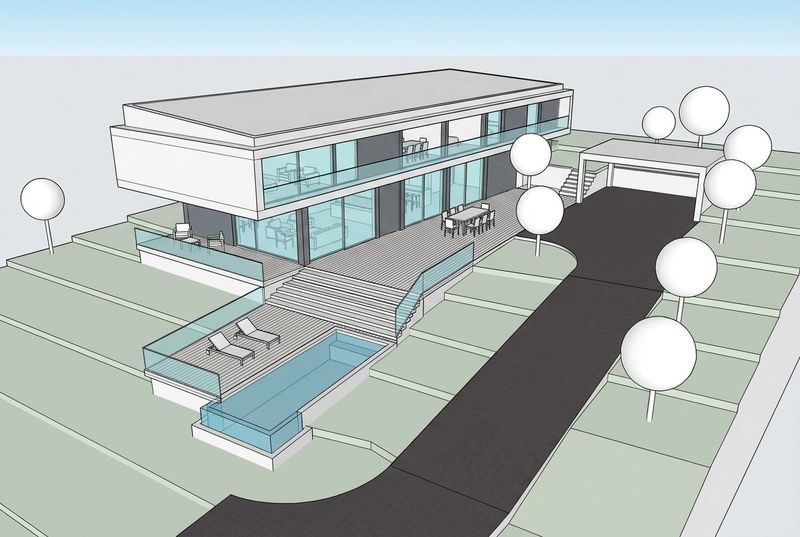
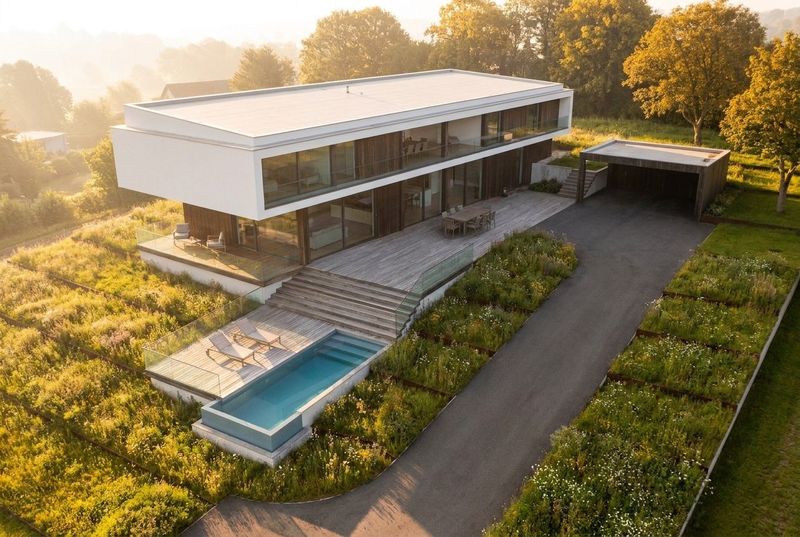 Your modelRender
RhinoNot yet run in Rhino
Stuck on the install? The guide has the steps in order.
- Example render
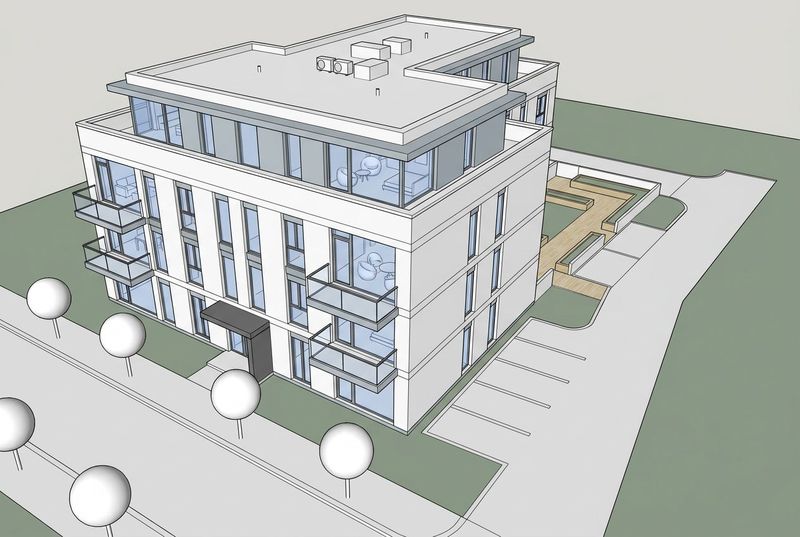
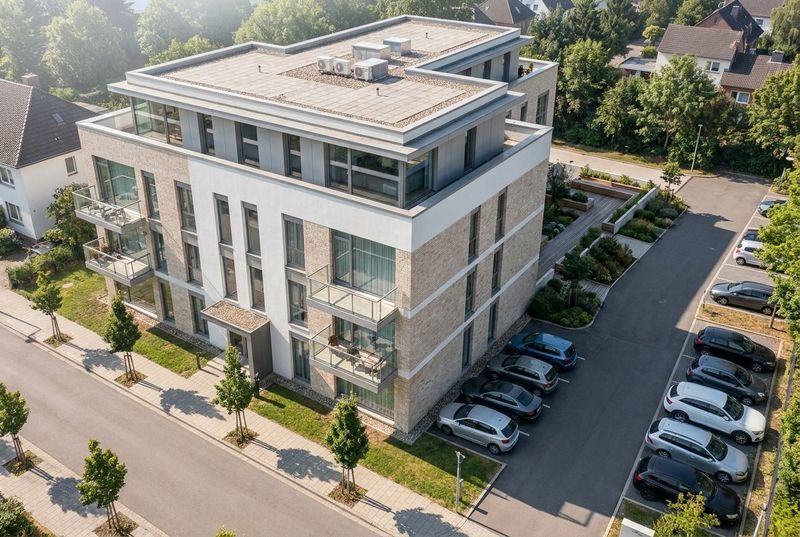 Your modelRender
ArchicadNot yet run in Archicad
A window next to Archicad, not inside it.
Stuck on the install? The guide has the steps in order.
Compare the plugins
| Plugin | Program | How it installs | Cost |
|---|---|---|---|
| SketchUp | SketchUp 2021 or newer | Install the file in Extension Manager | The plugin is free. Renders cost credits. |
| 3ds Max | 3ds Max 2022 or newer | Run the file once in 3ds Max | The plugin is free. Renders cost credits. |
| Revit | Revit 2019 or newer, with pyRevit 4.8 or newer | Add the extension in pyRevit | The plugin is free. Renders cost credits. |
| Rhino | Rhino 7 and 8 | Install the file, then run the script once | The plugin is free. Renders cost credits. |
| Archicad | Archicad 27 and 28 | Unzip, install Python 3, start the launcher | The plugin is free. Renders cost credits. |
No plugin for your program? Export a picture and upload it.
- Render a modelTurn a 3D screenshot into a finished render.
- Enhance a renderMake a finished render sharper and more realistic.
- Floor planUpload a floor plan. Get a 3D plan or a view of a room.
- Site photoPlace a design in a photo of the site.
- GardenUpload a photo of a garden. Get it back with a new design.
- Stage a roomUpload a photo of a room. Get it back in a new style.