Learn
Short guides for better renders
Each guide gives you the steps in text, and most also have a short video of the real studio. Start at the top.
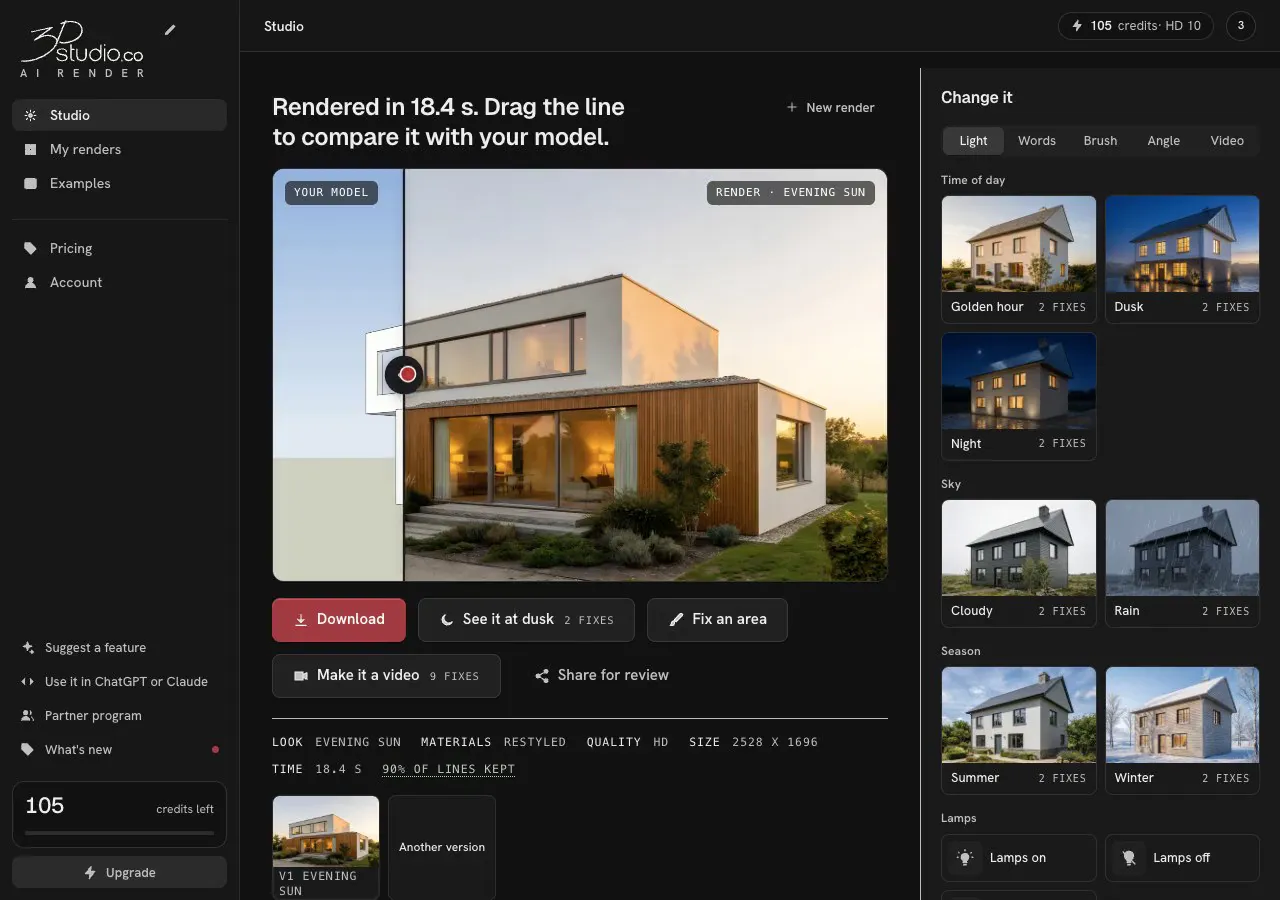
From a model screenshot to a client-ready render
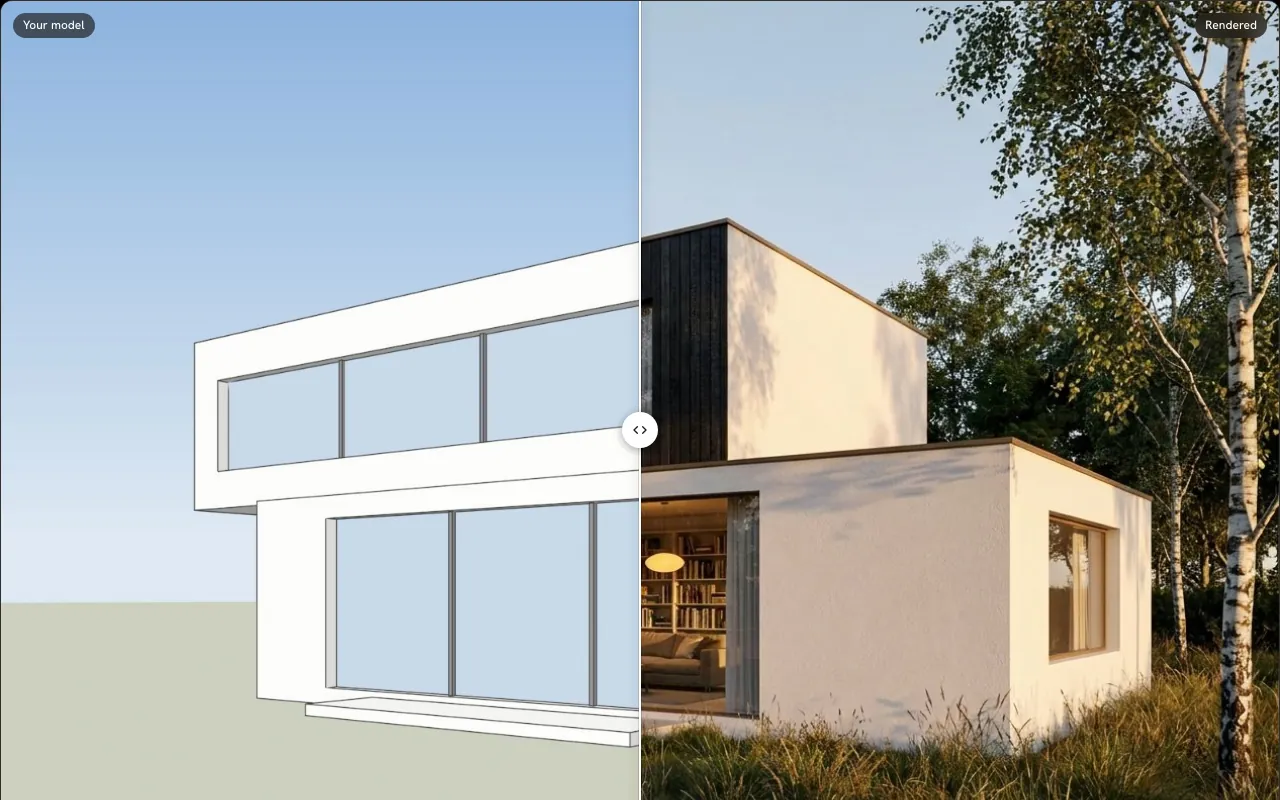
Take one screenshot of your model, pick a light and get a photoreal render you can show a client.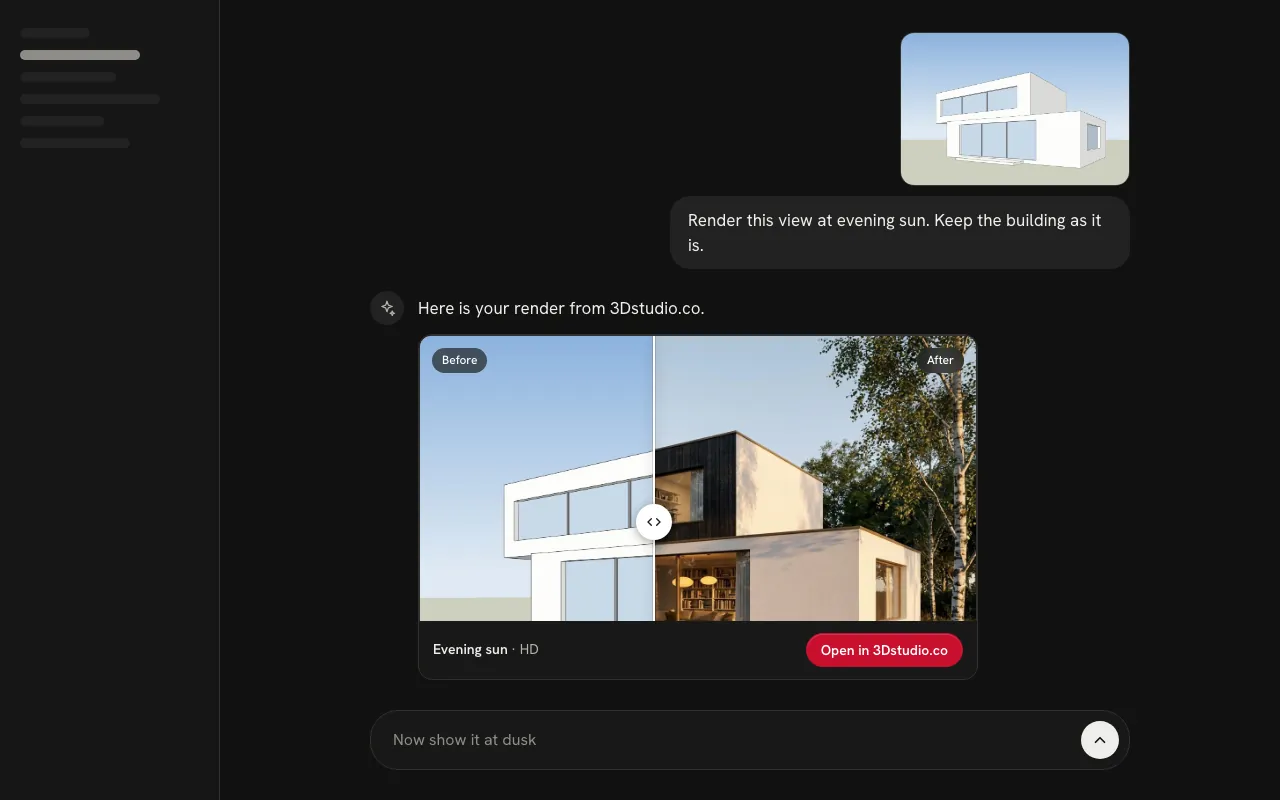
Render inside ChatGPT or Claude
Add 3Dstudio.co once as a connector, then ask for renders, changes and new light in the chat.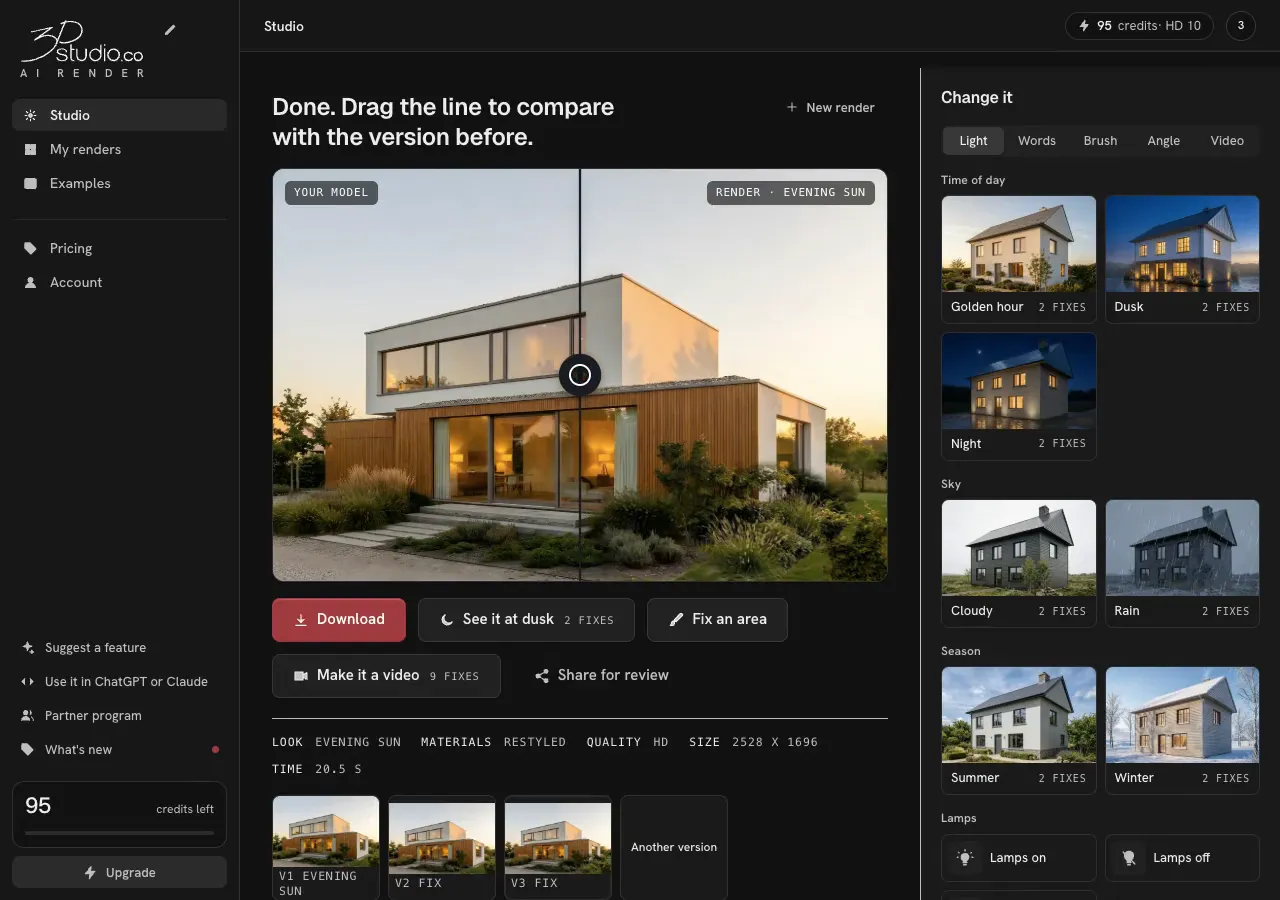
Fix one detail without re-rendering
Brush over one part of a render, say what should be there, and only that part is redrawn.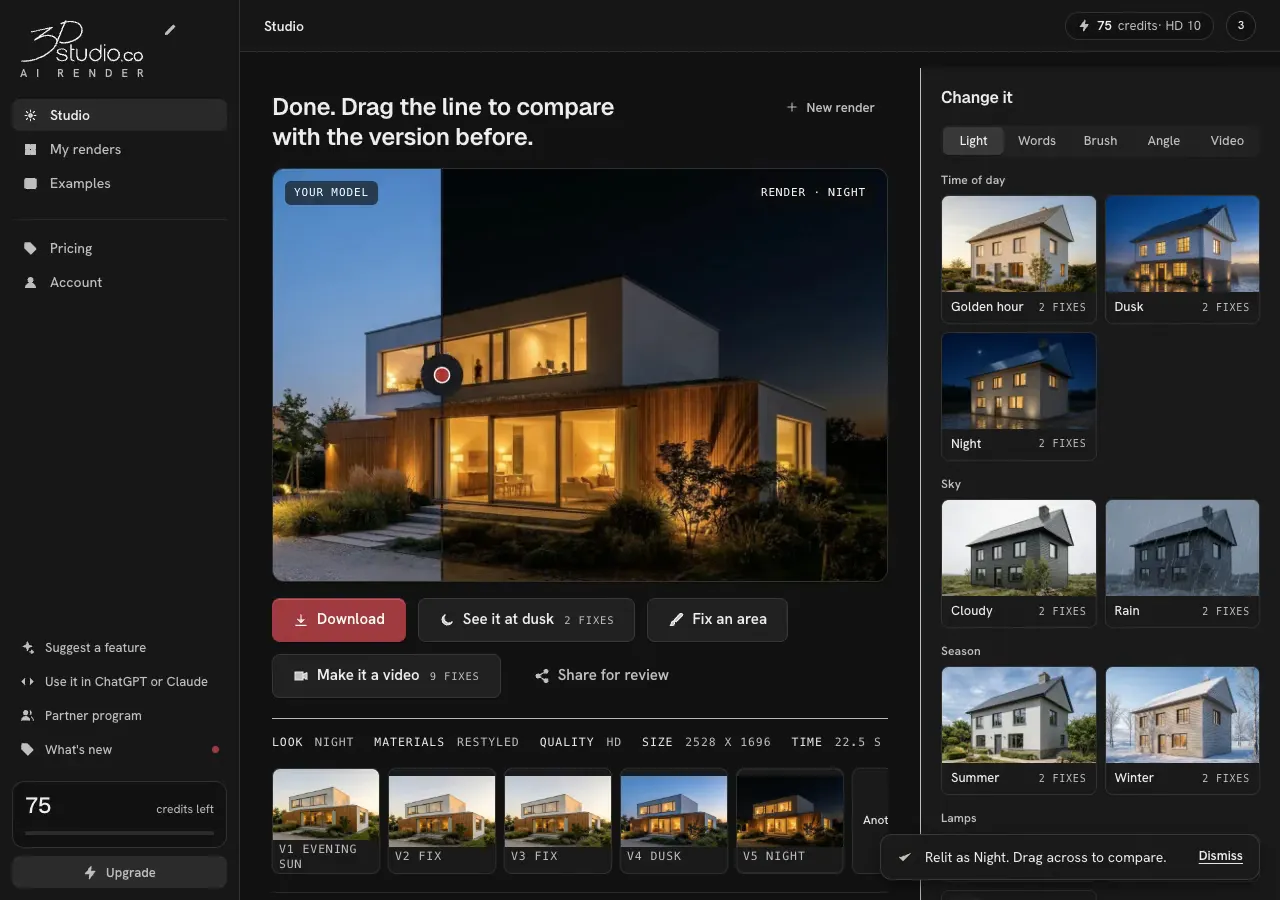
Show one render at dusk, at night or in other weather
Press a light and see the same building in it, so you can show a client day, dusk and night from one render.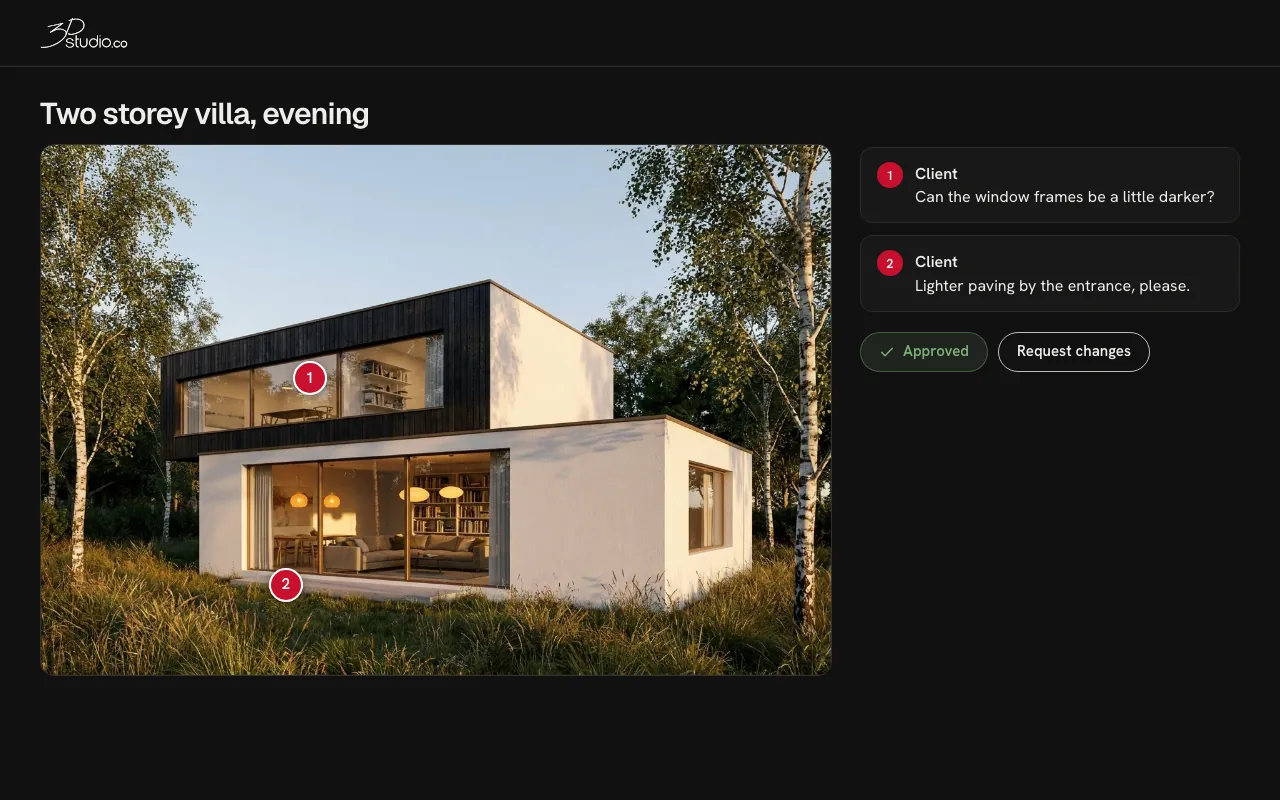
Send renders to a client for approval
One link lets your client comment, pin a note to a spot and approve each render, with no account.