

Geometry Test
Does the render keep your model?
Many AI render tools say they keep your geometry. This page measures it. Same screenshots, same method, every number and overlay published.
What we test
You give a tool a screenshot of a 3D model. A good render keeps the walls, windows, roof lines and furniture where the model put them. A bad one redesigns the building. We compare the lines in the input with the lines in the output and give one score.
Method
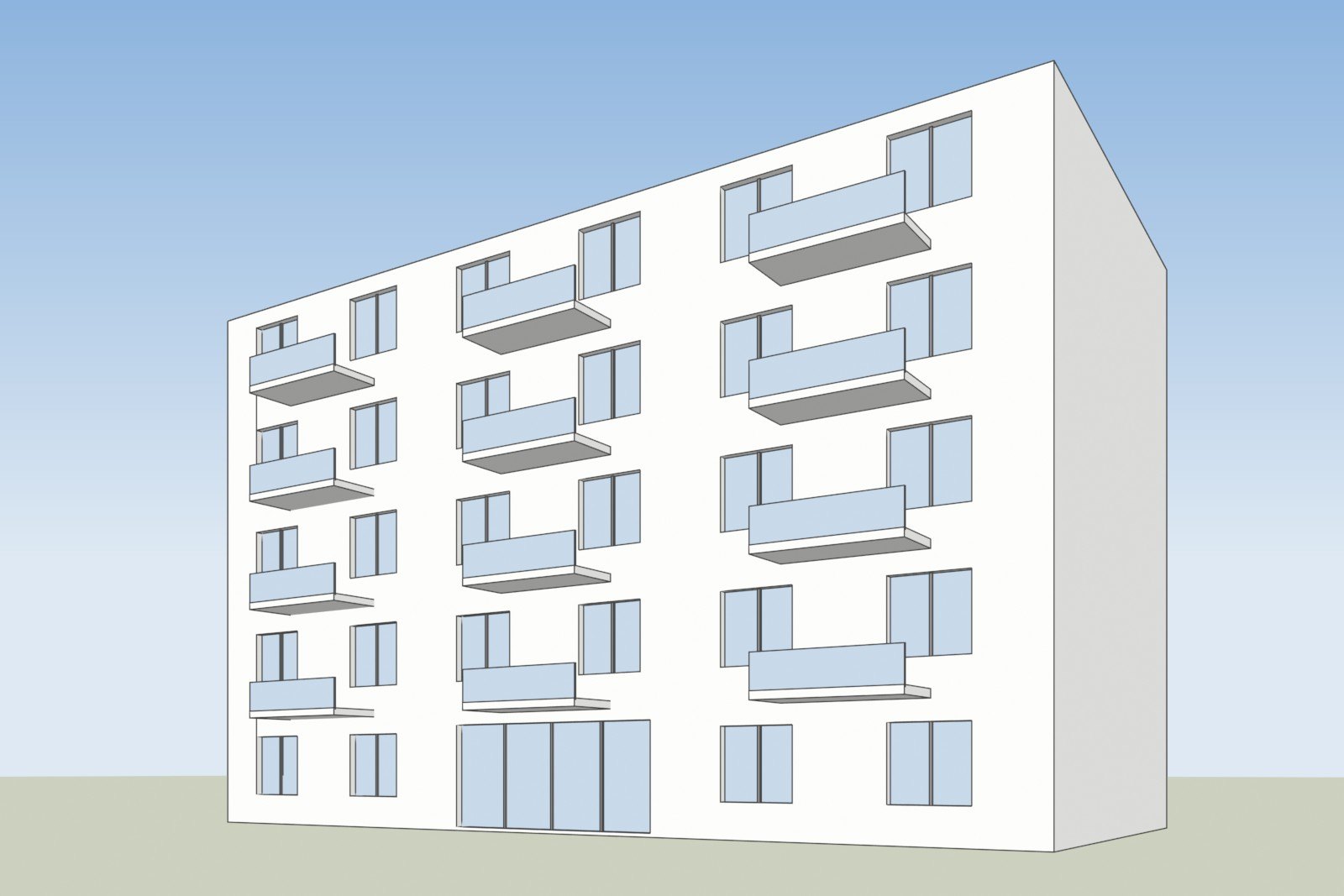
- 5 test models, all public in our examples folder. You can download every input.
- Every tool gets the same screenshot of each model.
- Every tool runs at its default settings. No prompt tuning, no retries, one output per model.
- Score = edge F1 between the input and the output: how many of the input's edges appear in the output, and how many output edges are not in the input. 100% means identical lines.
- For every output we publish an overlay: input edges in blue, output edges in red.
- We publish our own losing cases too.
- Free tiers are used unless noted. Watermarks stay on the image and are scored as they are.
The test models
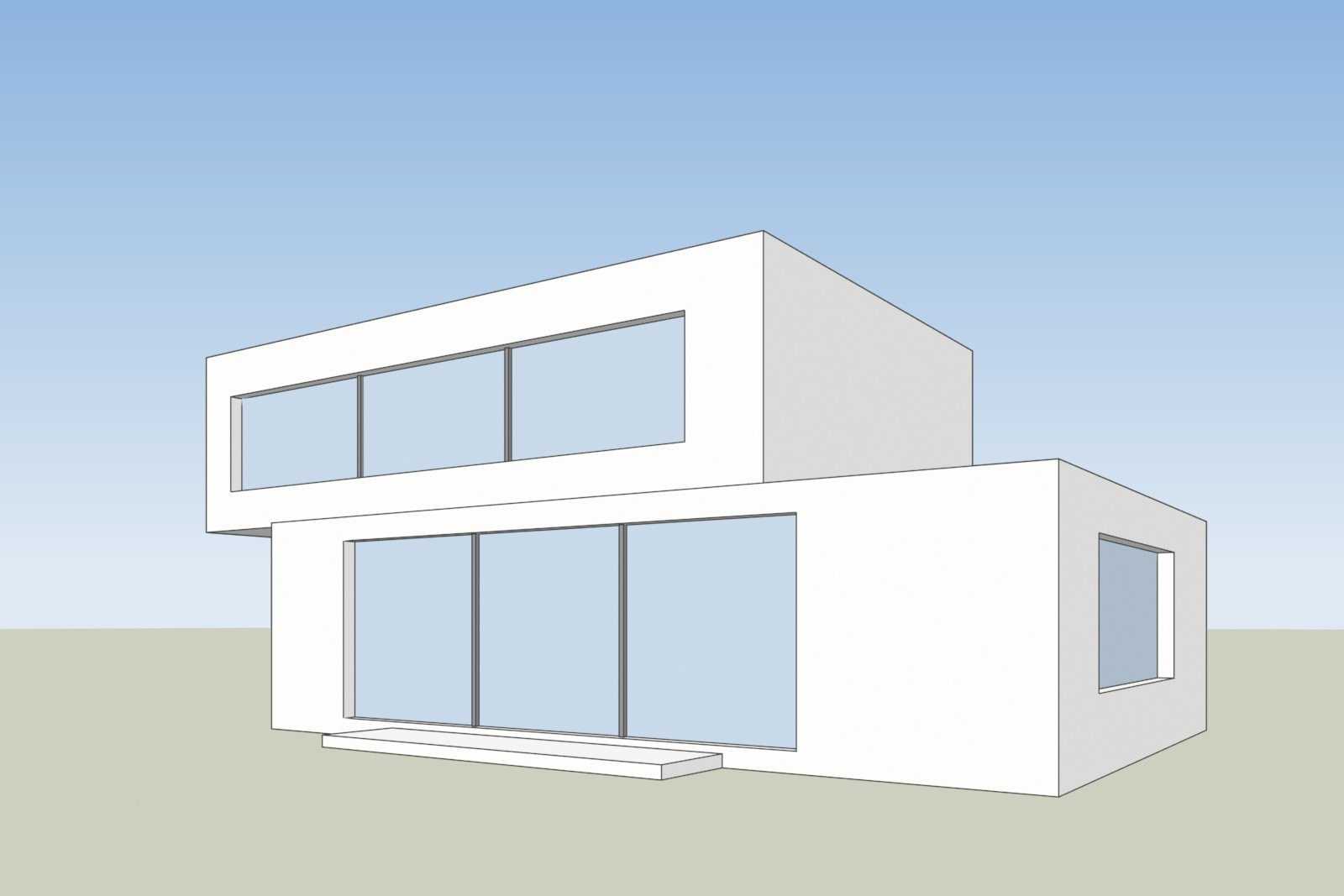
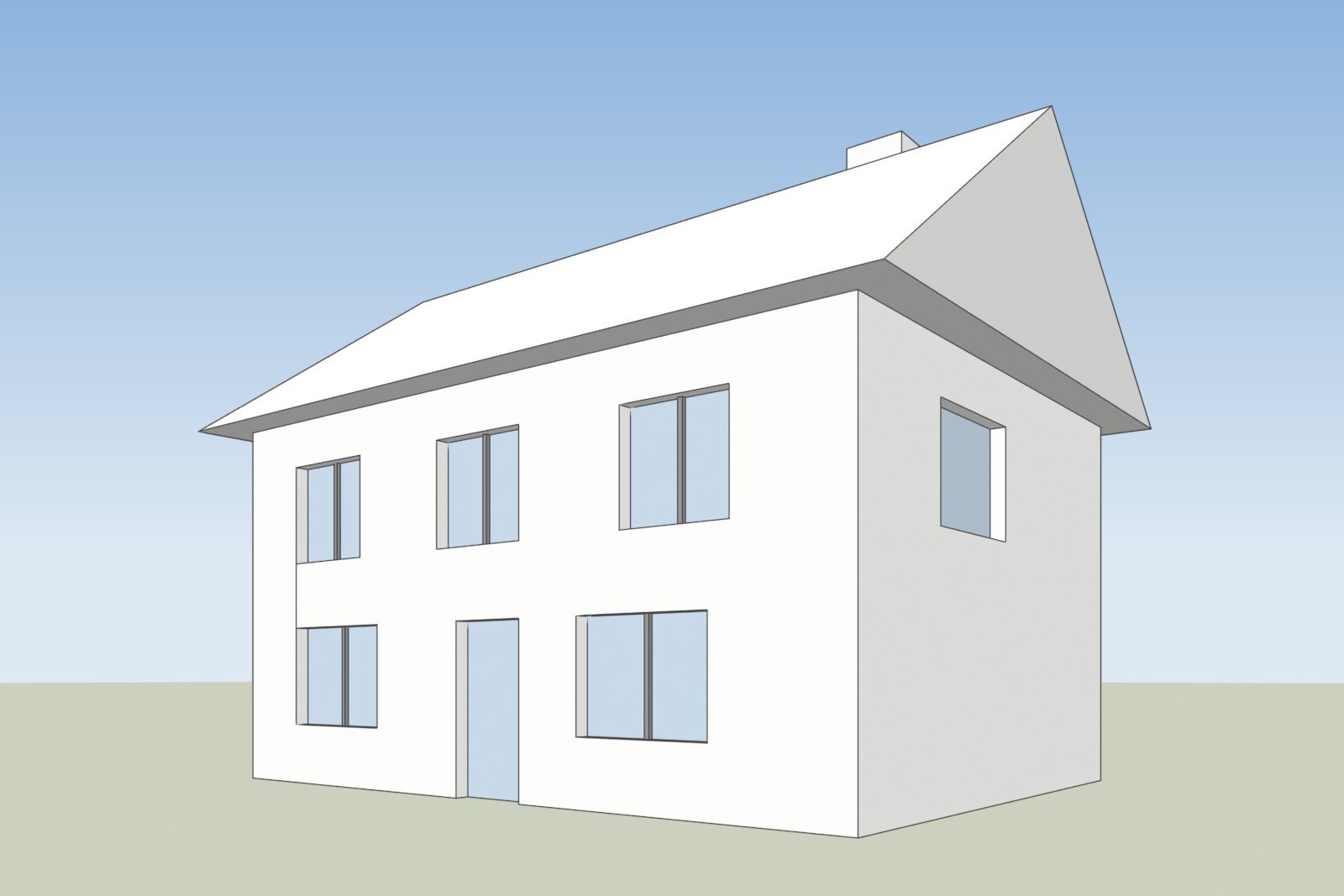
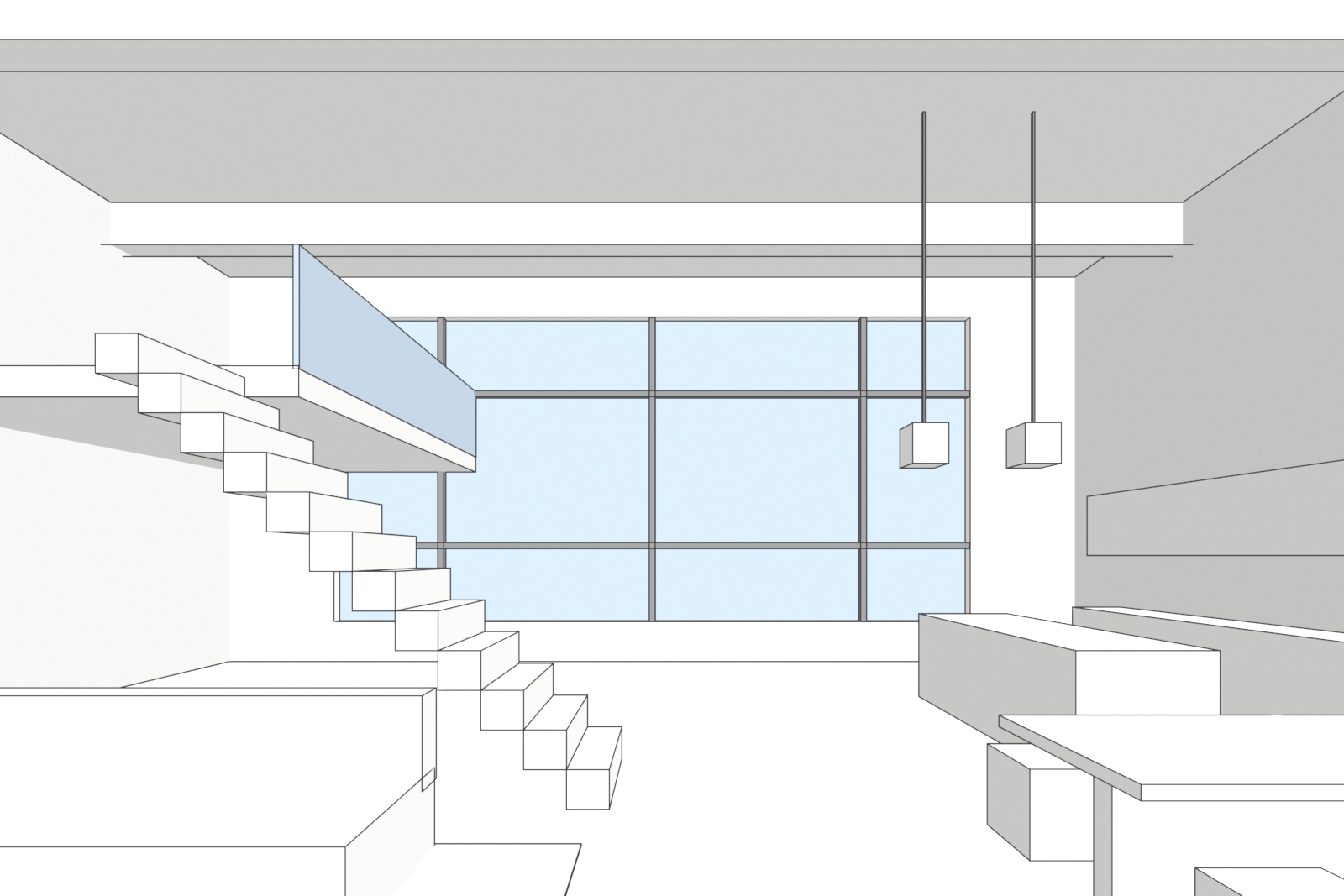
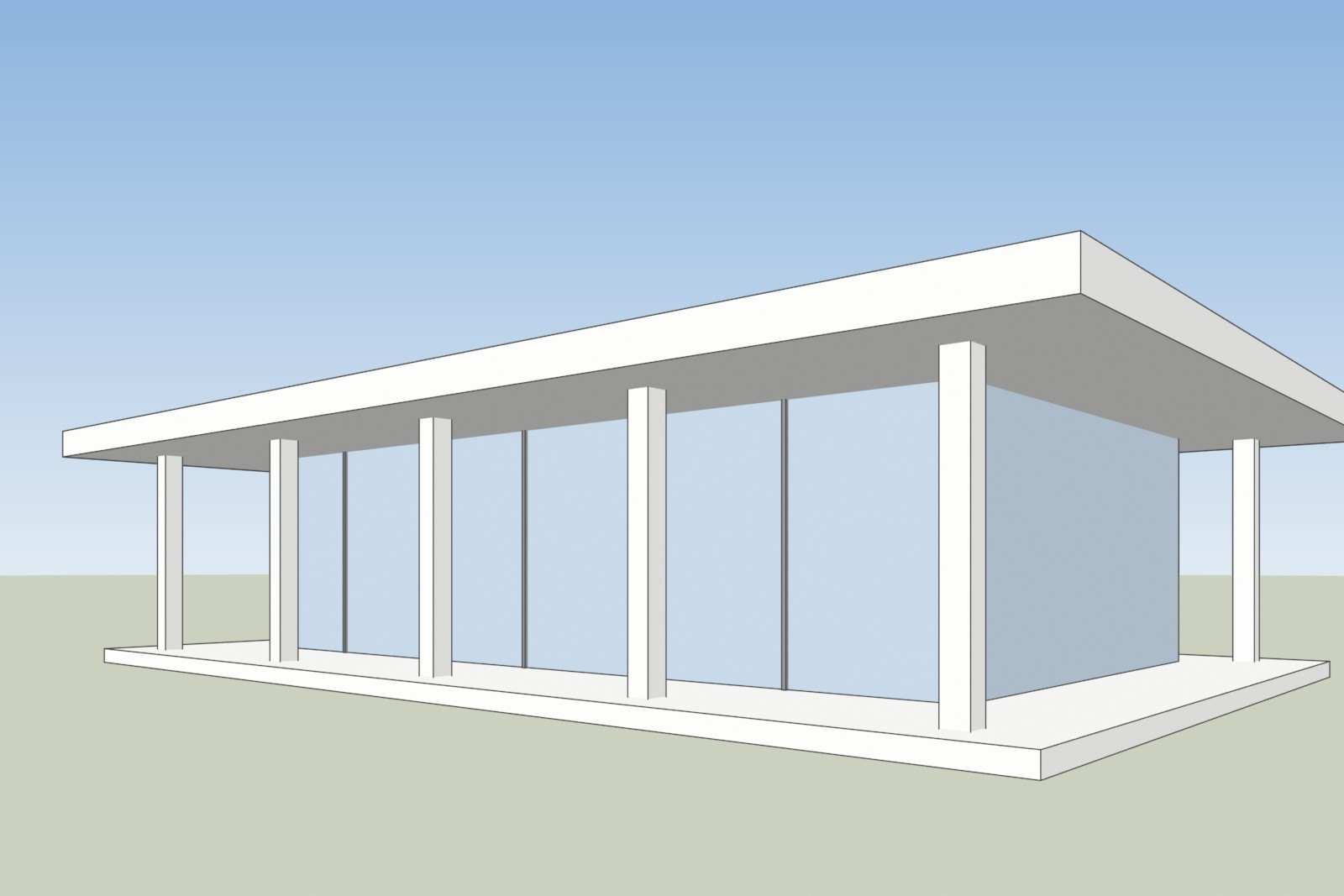
Results
First results are being run. Check back.
Run it yourself
You can repeat the test with any tool and compare with our numbers.
- Download the five input screenshots from the examples page (the files ending in -before.jpg).
- Render each one in the tool you want to test, at default settings, and keep the first output.
- Score the outputs with the same edge method. Email hello@3dstudio.co and we send you the scoring script.
Think we scored a tool unfairly, or want one added? Email hello@3dstudio.co.